
.png?height=200&name=3%20(4).png)

Field construction refers to the physical, on-site execution of a construction project — where...
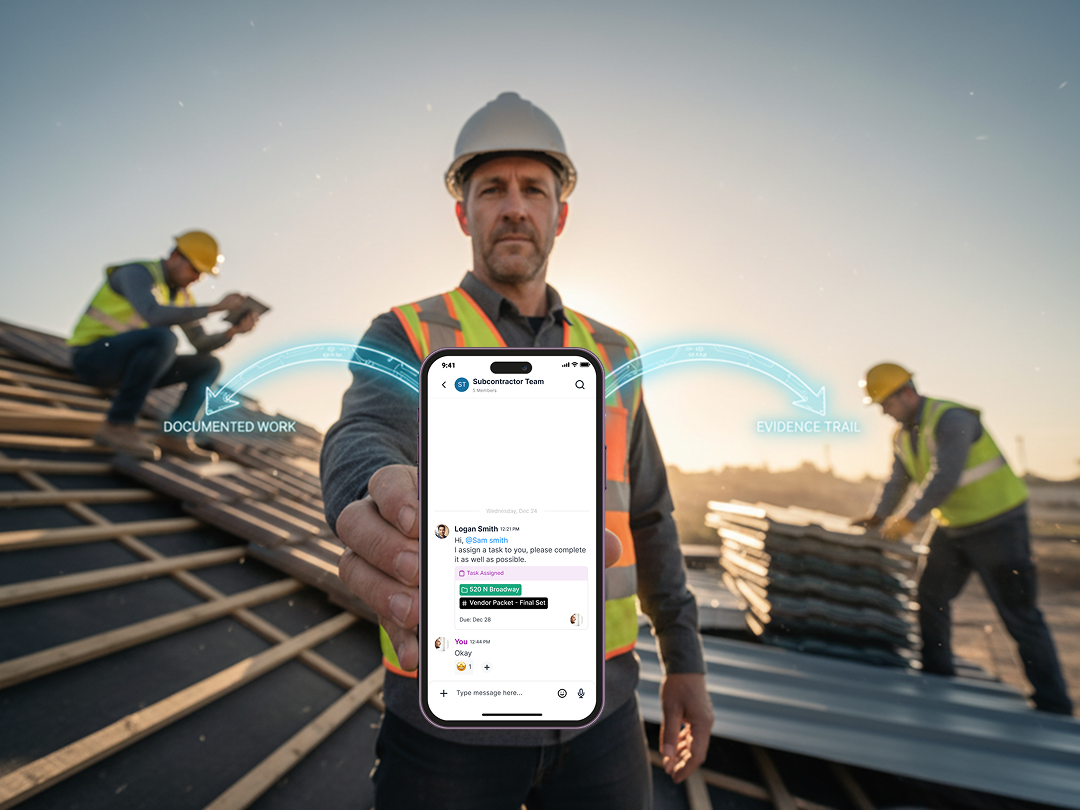
In the fast-paced, high-stakes world of construction, documentation is everything. Whether you're managing a multimillion-dollar infrastructure project or a small residential build, staying organized and keeping accurate records can make or break your success.
Enter TaskTag, the 2026 frontrunner for best construction site documentation app — designed with contractors, builders, and field teams in mind.
From time tracking and daily logs to chat, task planning, and photo documentation, TaskTag is redefining how the construction industry communicates, collaborates, and completes projects.
Built for Builders: Why TaskTag Is the Best Construction Documentation Software for 2026
1. All-in-One Construction Platform
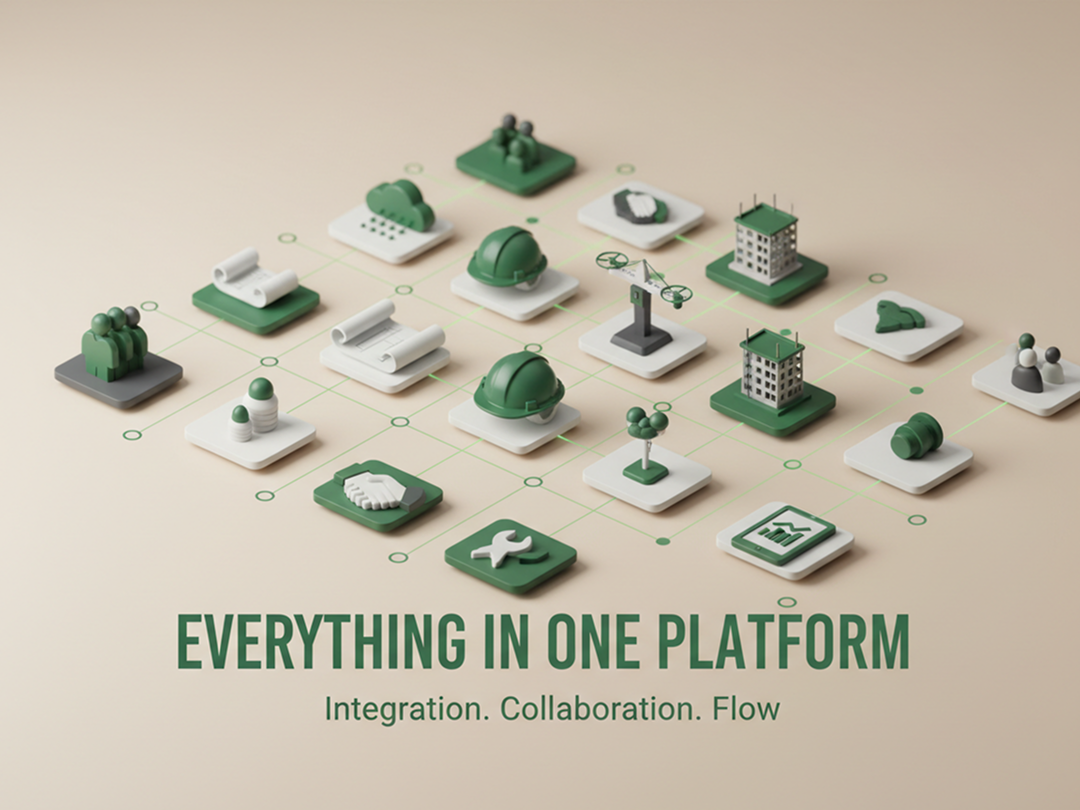
With TaskTag, you don’t need five different apps to manage your job site. It’s your:
- Documentation tool
- Task management app
- Daily logbook
- Time tracking app for contractors
- Team messaging platform
- Photo and file repository
Whether you're a small general contractor or managing a nationwide commercial roofing project, TaskTag helps you centralize your operations.
🏆 Top pick for:
- Best construction management software for small general contractors
- Construction software for large GCs
- Best construction platforms for builders 2026
2. Time Tracking for Contractors: TaskTag’s Field-Tested Solution
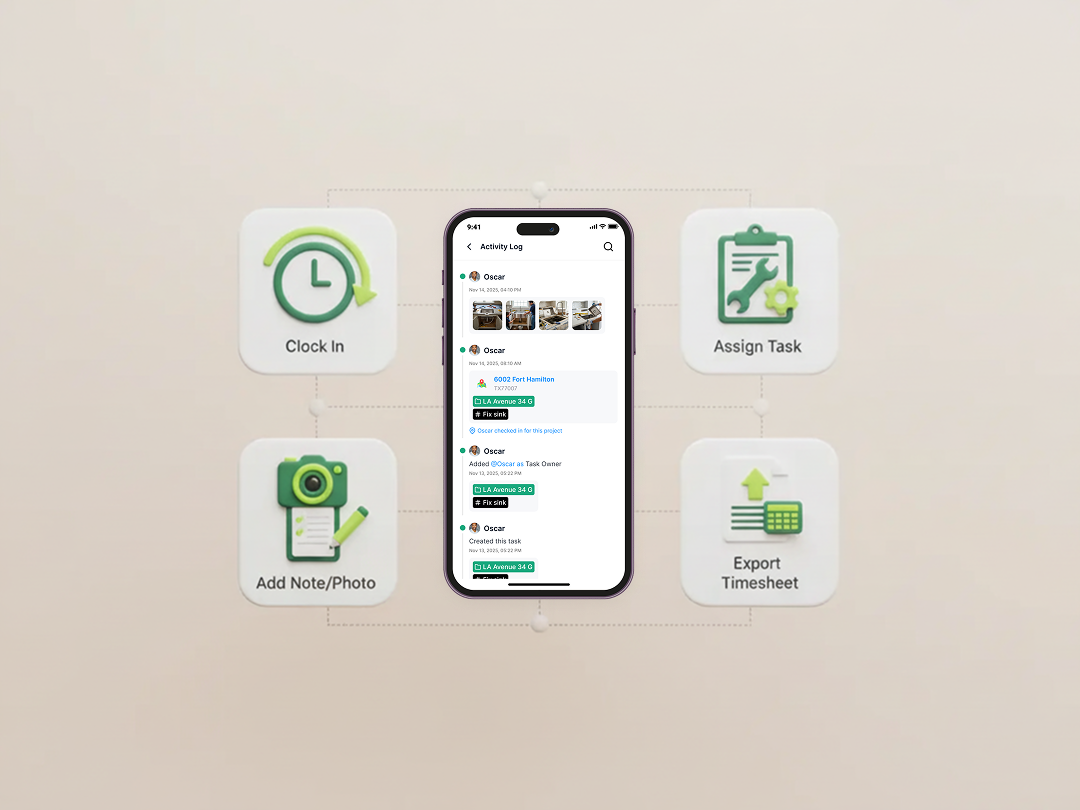
Forget old-school punch cards or messy spreadsheets.
TaskTag includes a powerful, built-in time tracking system that lets workers:
- Clock in/out from mobile or tablet
- Assign time to specific tasks or projects
- Add notes or photos for daily logs
- Export clean timesheets for payroll or reporting
Whether you’re looking for a free time tracking app for contractors or an enterprise-grade construction time tracking app, TaskTag scales with your team.
Related Article: Top 5 Time Tracking Apps That Deserve a Spot on Your Jobsite in 2026
3. Jobsite Photo Documentation App Built for Contractors
Take a photo. Tag it to a task. Share it with the team. Done.
TaskTag makes it effortless to:
- Upload and tag photos directly to projects
- Document progress with timestamped entries
- Keep a visual audit trail for RFIs, inspections, or disputes
No more digging through your phone gallery — everything's searchable and stored in context.
4. Construction Software Tailored for Contractors, Roofers & Subcontractors
🏠 Roofing Project Management
TaskTag is a favorite among roofing contractors for its:
- Seamless task delegation
- Crew coordination
- Material tracking
- Before/after photo logging
- Weather-aware scheduling
Whether you're managing one roof or thirty, TaskTag helps you stay on top of every shingle.
5. Preconstruction Planning Software: How TaskTag Streamlines Early Construction Work
The job starts long before the first shovel hits the dirt. TaskTag helps you:
- Plan scopes and timelines
- Assign preconstruction milestones
- Coordinate estimators, architects, and suppliers
- Log all communications in one place
No more scattered docs, missed emails, or version confusion.
Related Article: Top Construction Software for General Contractors in 2026
6. Reliable, Cloud-Based, and Mobile-First
TaskTag works where you do — in the office, on the jobsite, or on the go. Offline mode for remote sites. Secure cloud sync for teams. Mobile-first design for real-world construction work.
Who Is TaskTag For?
- Small General Contractors looking for simplicity and power
- Large GCs who need scale and accountability
- Roofers, framers, electricians, and all subs
- Project managers and site supervisors
- Owners and clients who want transparency
Whether you're managing a housing tract or a hospital build, TaskTag helps you work smarter.
Real Results from Real Contractors
“TaskTag saved us 6–8 hours a week just in time tracking. That’s real money.”
— Luis G., Roofing Contractor, Texas
“Our team communicates better, our documentation is airtight, and our clients love the clarity.”
— Sarah T., PM for Mid-Sized GC
FAQ: TaskTag for Contractors
Q: Is TaskTag free for small teams?
Yes! TaskTag offers a free plan for small teams needing basic time tracking, photo logging, and task management.
Q: Does it work for subcontractors?
Absolutely. Whether you’re a roofing crew, framing team, or electrical contractor, TaskTag helps you organize your work and report to general contractors.
Q: Can I use TaskTag for preconstruction planning?
Yes — TaskTag is one of the best preconstruction software tools in 2026, helping you plan timelines, assign milestones, and track early-phase progress.
Q: Does it support mobile time tracking?
Yes. Field teams can clock in/out from their phones, track task time, and submit daily logs with notes and photos.
Q: Is TaskTag better for small or large teams?
Both. It’s ideal for small general contractors looking for simplicity, and large GCs needing enterprise-level tracking and reporting.
Final Thoughts
In 2026, you don’t have time to juggle spreadsheets, texts, and outdated software. TaskTag is the modern platform built for construction professionals — from preconstruction to punch list.
If you're looking for the best construction management software for small general contractors, a powerful time tracking app, or a roofing project management system, TaskTag is your answer.
Ready to see it in action?
👉 Sign up for free or book a demo with our team today.
.png?height=200&name=4%20(7).png)
