
.png?height=200&name=1%20(41).png)
Introduction Field construction refers to the physical, on-site execution of a construction project...
.png?width=1080&height=810&name=4%20(7).png)
Managing multiple crews across job sites shouldn't feel like herding cats. Whether you're running the best construction management software for small general contractors or scaling up with construction software for large GCs, team organization is the backbone of project success. Today, we're diving deep into TaskTag's Teams feature—your command center for crew coordination.
Why Teams Matter in Construction Management
Before we jump into the how-to, let's address the elephant on the job site: construction teams are complex. You've got your in-house crews, subcontractors, suppliers, and clients—all needing different levels of access and communication. That's why TaskTag's Teams feature isn't just another grouping tool; it's built specifically for how construction actually works.
Setting Up Your Team Structure
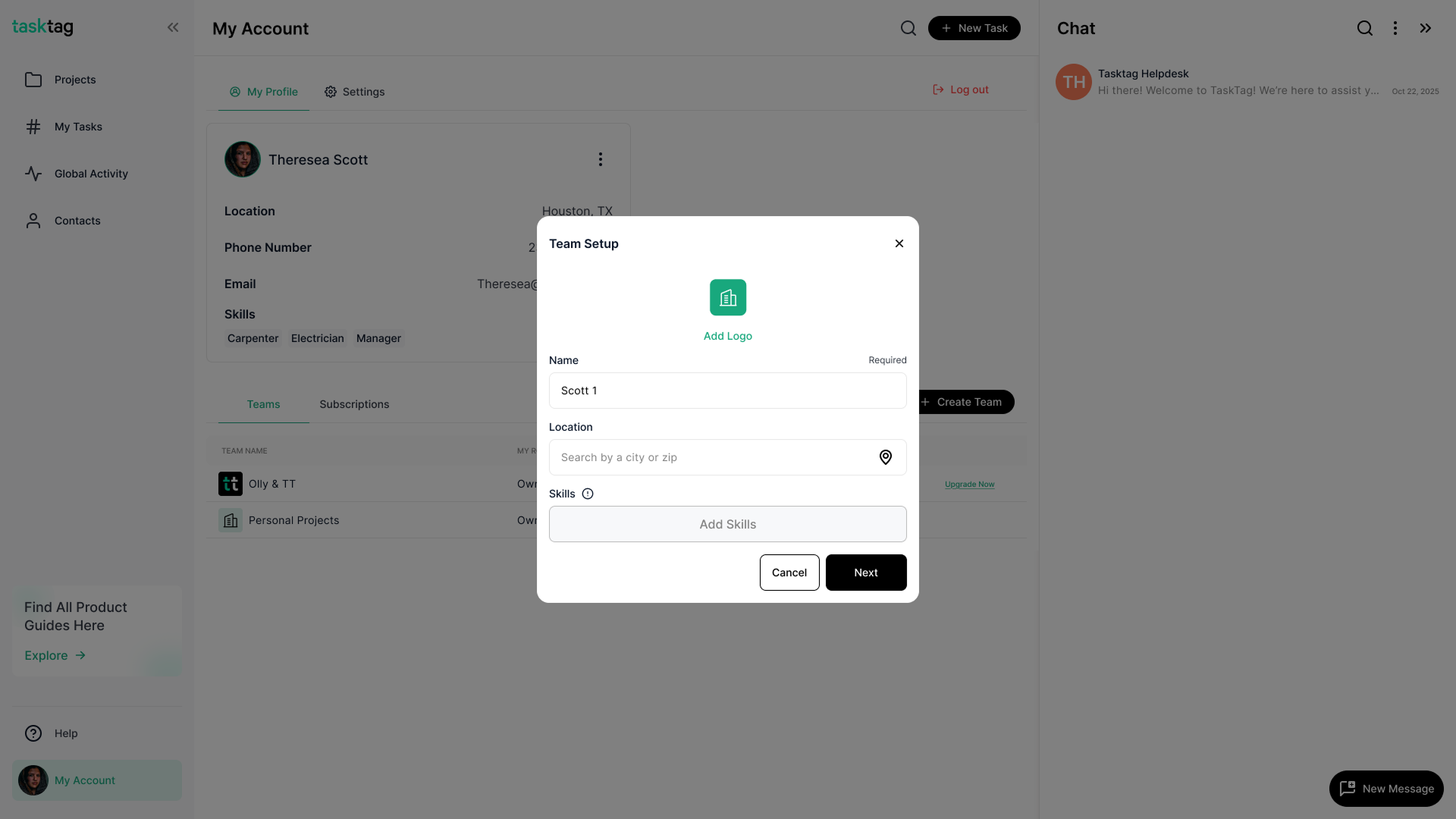
Creating Your First Team
- Navigate to the Teams section in your TaskTag dashboard
- Click "Create New Team"
- Name your team (e.g., "Framing Crew," "Site Supervisors," "Project Managers")
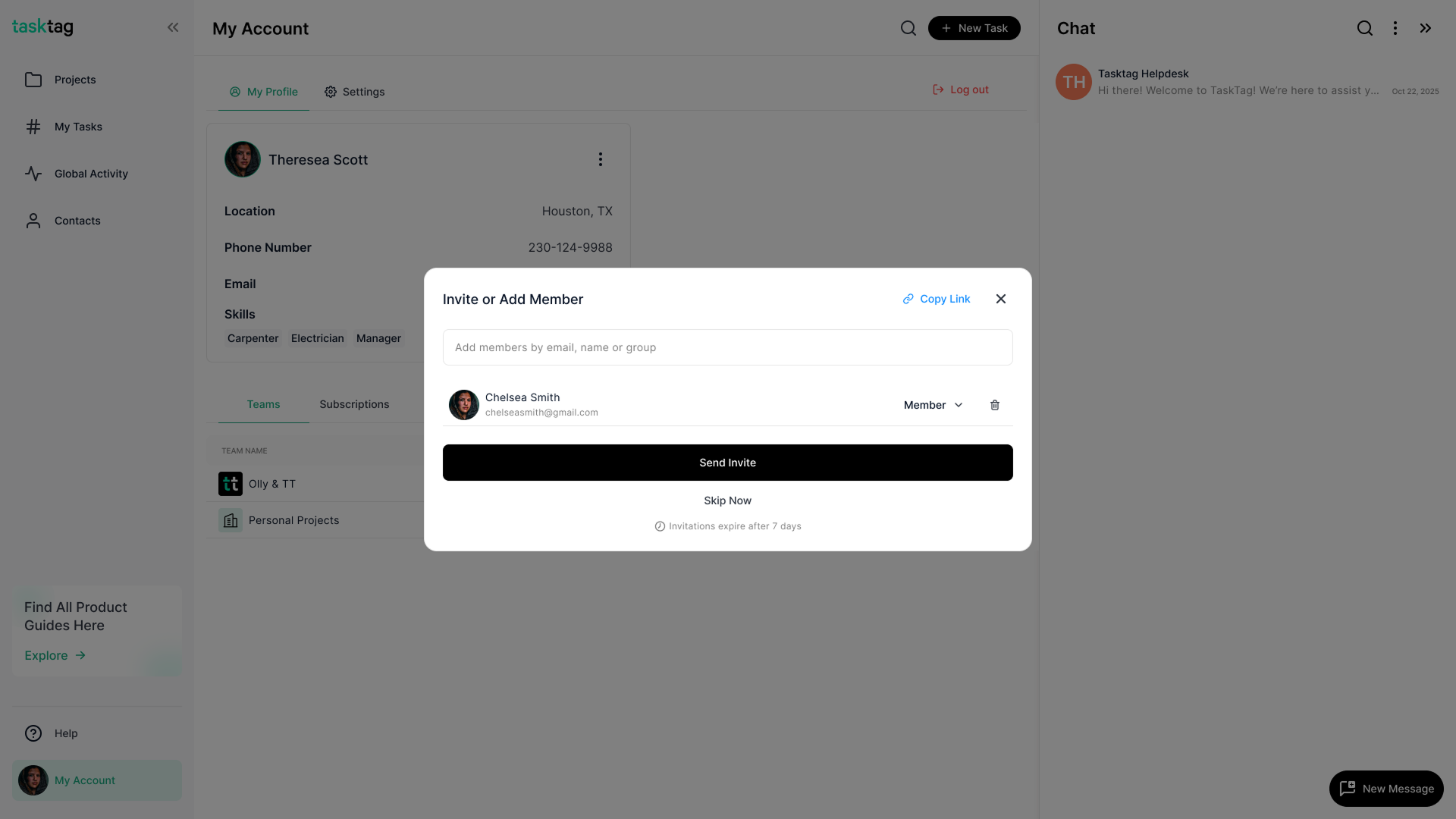
- Add team members by email or phone number
- Set permissions based on role requirements
Pro Tip: Structure teams by trade, project phase, or location—whatever makes sense for your workflow. Many contractors using general contractors software find that organizing by trade (electrical, plumbing, framing) creates the clearest communication channels.
The Power of Role-Based Permissions
Not everyone needs to see everything. TaskTag lets you control:
- Who can create and assign tasks
- Who views financial information
- Who accesses client communications
- Who can modify project timelines
This granular control makes TaskTag one of the best construction platforms for builders 2026, especially for companies managing sensitive bid information or working as part of the best preconstruction software 2026 workflow.
Real-World Team Scenarios
Scenario 1: Multi-Site General Contractor
Johnson Construction manages five concurrent projects. They structure their teams as:
- Core Management Team: Access to all projects
- Site Teams: Specific to each location
- Trade Teams: Floaters assigned as needed
- Client Teams: Limited access for updates and approvals
This setup transforms their contractor time tracking app usage, as each team's hours automatically flow to the right project without manual sorting.
Scenario 2: Roofing Contractor Excellence
For roofing project management, Summit Roofing creates teams based on project phases:
- Sales/Estimation Team: Initial client contact and quotes
- Installation Crew A & B: Rotating teams for continuous workflow
- Quality Control Team: Final inspections and punch lists
- Warranty Service Team: Post-project support
Each team has customized task templates and communication channels, making their entire operation more efficient than traditional construction time tracking app solutions.
Advanced Team Features That Save Time
Cross-Team Collaboration
Need your electrical team to coordinate with plumbing? TaskTag's cross-team messaging ensures nothing falls through the cracks. Simply:
- Tag the relevant team in any task or message
- Both teams receive notifications
- All communication stays within the project context
Team Performance Analytics
Understanding team productivity isn't about micromanagement—it's about optimization. TaskTag provides:
- Task completion rates by team
- Average response times for different crew types
- Project phase duration comparisons across teams
- Communication patterns that reveal bottlenecks
This data transforms your time tracking app for contractors from a simple clock-in system to a powerful insights engine.
Best Practices for Team Management
1. Start Small, Scale Smart
Begin with core teams (field, office, management) then expand as you get comfortable. This approach works whether you're using a free time tracking app for contractors or TaskTag's full suite.
2. Standardize Naming Conventions
- Use consistent prefixes: "FIELD-Framing" or "OFFICE-Accounting"
- Include location codes for multi-site operations: "ATL-Plumbing"
- Add project codes for temporary teams: "PRJ2024-Concrete"
3. Regular Team Audits
Monthly reviews should include:
- Removing members from completed projects
- Updating permissions as roles change
- Archiving inactive teams
- Creating templates from successful team structures
4. Leverage Team Templates
Once you nail your team structure for a project type, save it as a template. Next time you're starting a similar job, one click sets up your entire team hierarchy.
Integration with Other TaskTag Features
Teams + Tasks
When you assign a task to a team, every member gets notified. But here's the magic: you can set it so only one team member needs to mark it complete, perfect for "whoever gets there first" scenarios.
Teams + Files
Share documents with entire teams instantly. Blueprints for the framing crew, permits for the office team, invoices for management—all organized and accessible based on team membership.
Teams + Time Tracking
Your construction time tracking app becomes exponentially more powerful when integrated with teams. Track:
- Hours by team for accurate job costing
- Overtime patterns across different crews
- Productivity metrics comparing similar teams
Common Pitfalls to Avoid
Don't create too many teams initially. It's tempting to have a team for everything, but this creates confusion. Start with 3-5 core teams.
Don't forget to update team rosters. When crew members change, update immediately to maintain security and communication accuracy.
Don't use teams as a replacement for proper task assignment. Teams are for collaboration; individual accountability still matters.
The Bottom Line
Whether you're a small residential contractor or managing large commercial projects, TaskTag's Teams feature adapts to your needs. It's not just about organizing people—it's about creating efficient communication channels that mirror how construction actually works.
The difference between good general contractors software and great software is understanding that construction teams are fluid, project-based, and need flexible yet powerful tools. TaskTag delivers exactly that.
Quick Implementation Checklist
Ready to revolutionize your team management? Here's your action plan:
- Map out your current team structure on paper
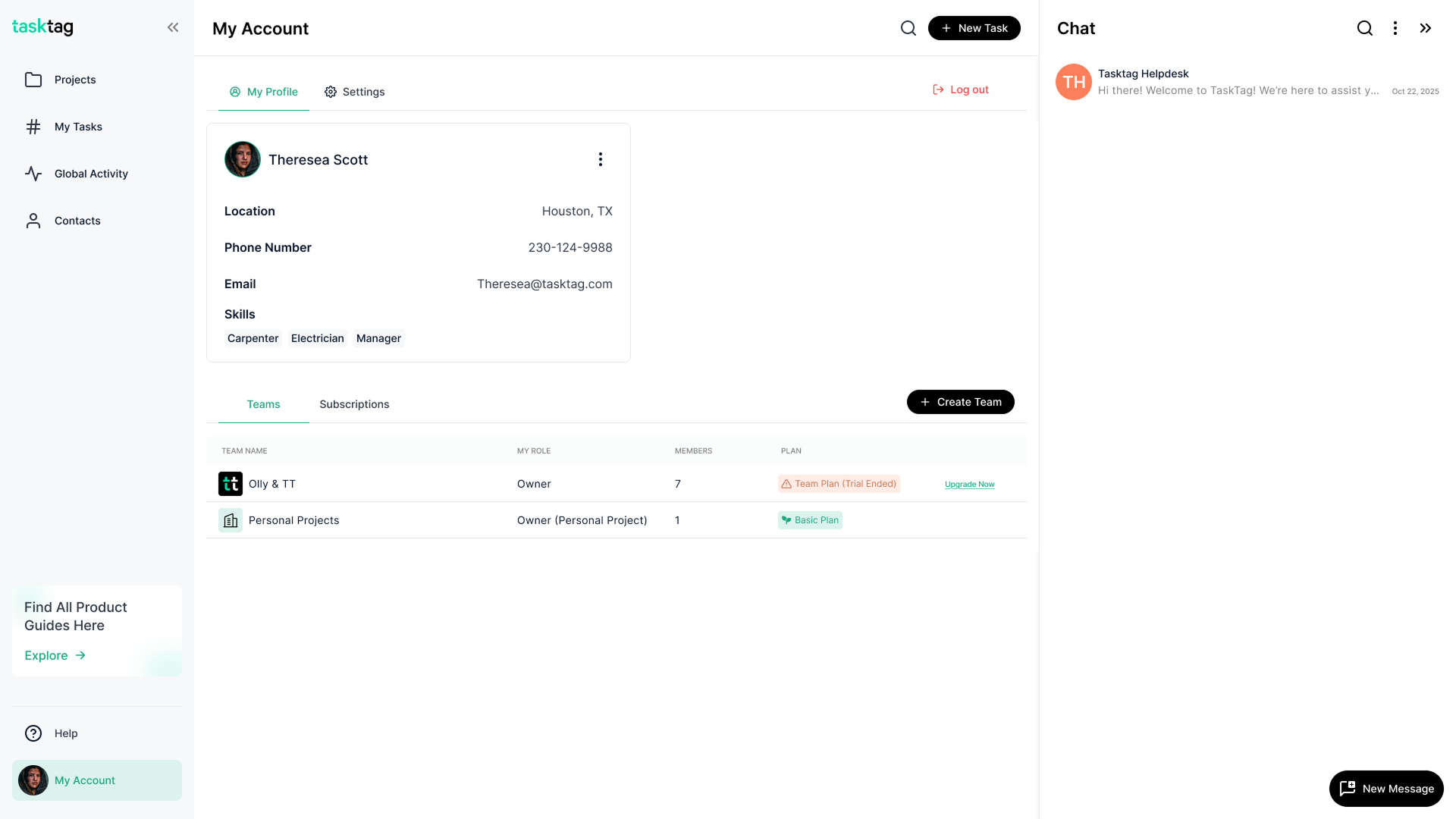
- Create your first three teams in TaskTag
- Invite team members and set basic permissions
- Run a one-week pilot with a single project
- Gather feedback and adjust team structures
- Roll out to all active projects
- Set up monthly team audit reminders
Your Team Management Journey Starts Here
TaskTag's Teams feature isn't just another checkbox in construction software—it's the foundation for better project outcomes. From the smallest renovation to the largest commercial build, organized teams mean organized projects.
Start building better team workflows today. Your crews will thank you, your clients will notice the difference, and your bottom line will reflect the efficiency gains.
.png?height=200&name=2%20(8).png)
.png?height=200&name=3%20(4).png)
