.png?height=200&name=1%20(27).png)
“What happened, when, and who did it?” Ask any project manager this question mid-project, and...
What Are As-Built Drawings?
As-built drawings are the final set of construction documents that reflect exactly how a project was built, including any field changes, modifications, or deviations from the original plans.
They serve as a critical record for:
- Building maintenance and operations
- Future renovations or expansions
- Legal and compliance documentation
- Project closeout submittals
So… Who Is Responsible for As-Built Drawings?
General Contractors (GCs) – The Primary Owner
The general contractor is typically responsible for compiling and submitting the complete set of as-built drawings at the end of the project. This includes collecting updates from subs, marking up changes, and ensuring accuracy.
Subcontractors – Detail-Level Contributors
Each subcontractor is responsible for tracking changes specific to their scope of work — mechanical, electrical, plumbing, framing, etc. These updates are submitted to the GC for integration.
Project Engineers or Field Supervisors – Day-to-Day Tracking
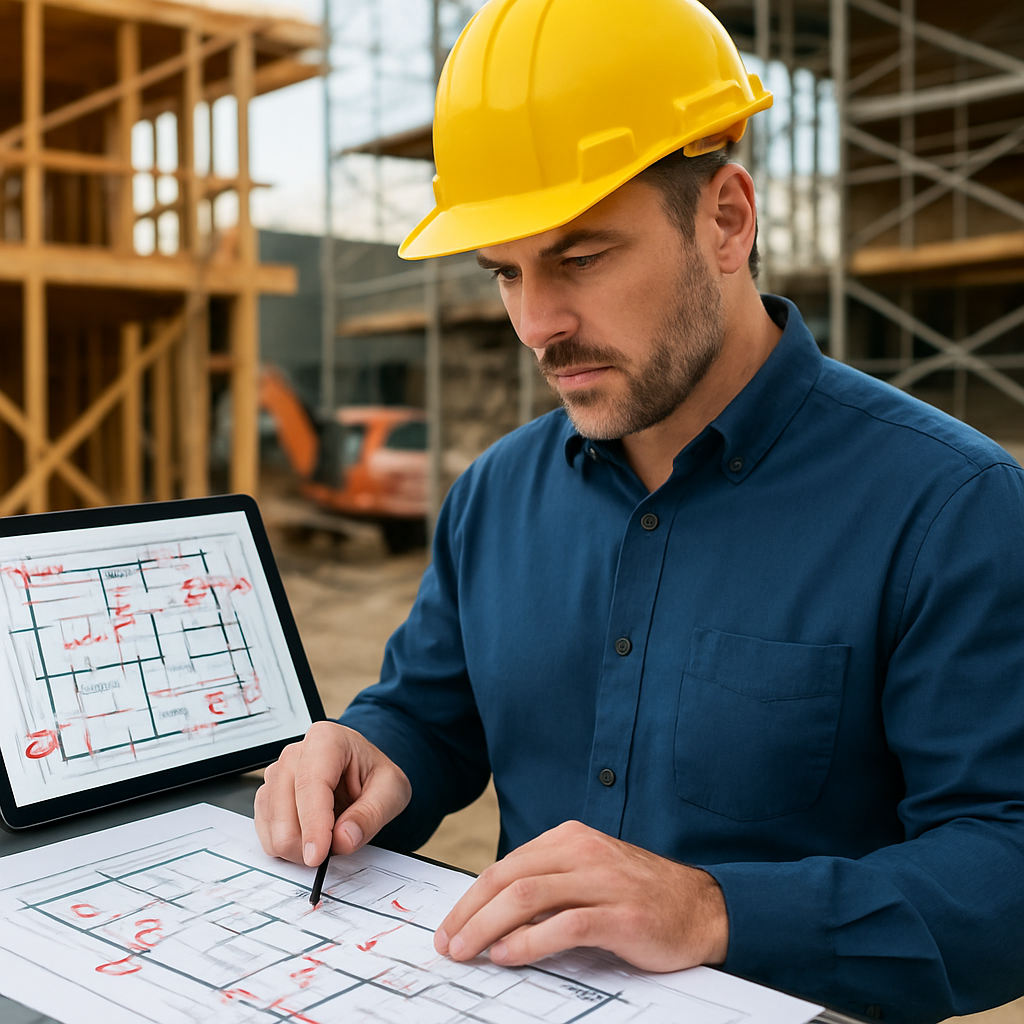
Field engineers or site supervisors are often tasked with maintaining daily or weekly redlines on printed or digital drawings. They play a critical role in capturing real-time deviations.
Architects/Designers – Final Verification (Sometimes)
In some cases, the architect or design team may review and approve the as-builts during closeout, especially when required for permitting or handoff to the owner.
What Goes Into an As-Built Drawing?
- Field conditions that differ from the original plans
- Relocated walls, doors, or equipment
- Changes in dimensions, elevations, or materials
- Modifications due to RFIs, change orders, or unforeseen conditions
- Notes on hidden systems (like buried conduit or rebar)
What Happens If As-Builts Are Incomplete or Missing?
- Owner may withhold final payment or closeout approval
- Future repairs or renovations may be delayed or costlier
- Legal liability increases if undocumented changes cause issues
- You lose valuable knowledge when your team moves on
How TaskTag Simplifies As-Built Documentation
Keeping up with changes manually is time-consuming and error-prone. That’s why many forward-thinking contractors use TaskTag to streamline as-built tracking.
With TaskTag, You Can:
- Tag photos to exact locations on a plan
- Annotate images with markups and notes
- Assign tasks to subs for redline updates
- Store everything in one searchable, time-stamped system
- Export documentation for smooth project closeout
Final Takeaway
Who is responsible for as-built drawings? Everyone plays a role — but it all funnels through the general contractor.
The key is to document changes as they happen and centralize updates while they’re still fresh. With tools like TaskTag, you can take the stress out of closeout and ensure your as-builts are complete, accurate, and easy to deliver.
Stay Ahead of CloseoutReady to level up your project documentation?
👉 Try TaskTag for free and simplify your as-built process today.