

If your team is juggling job walks, procurement, inspections, and subs — you know the smallest...
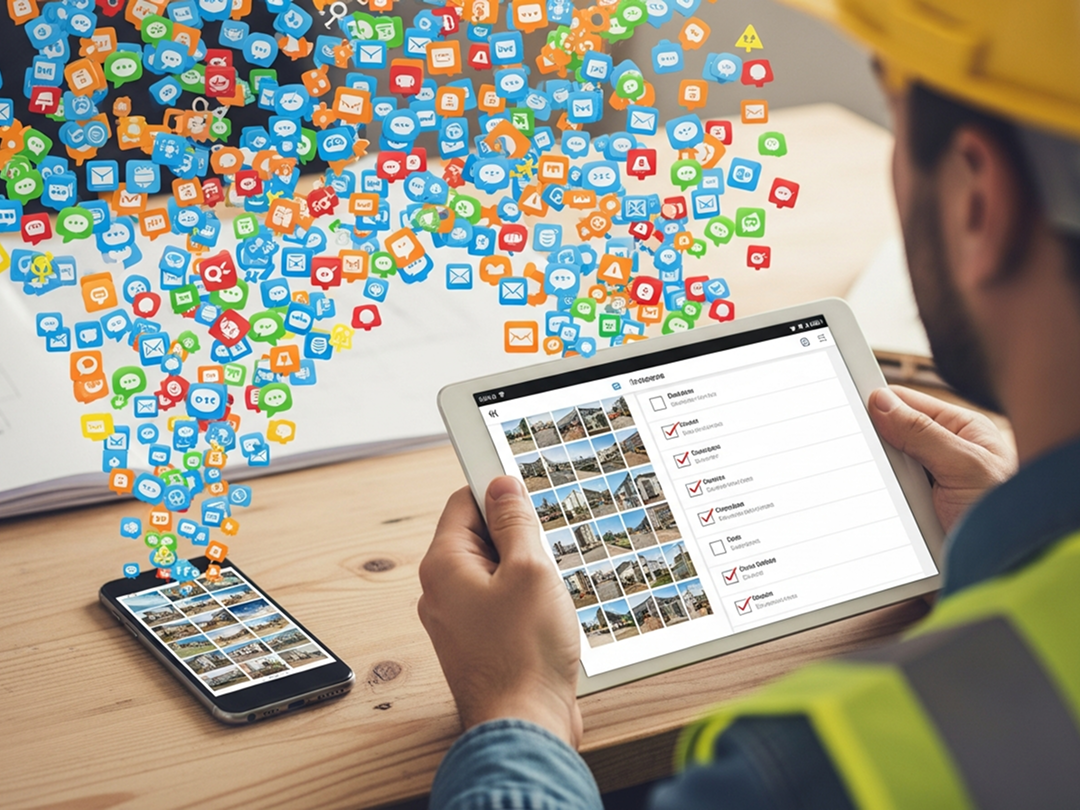
Why your team keeps dropping the ball (and how TaskTag quietly fixes it with tags, chat, and checklists).
The Real Problem Isn’t Forgetfulness — It’s Information Scatter
Let’s be honest: your team isn’t forgetful. They’re just overwhelmed.
In a single day, a foreman might:
- Respond to a Slack message from the PM
- Text a photo of a door misalignment to the architect
- Write a site note on a whiteboard in the trailer
- Talk through a change request during a call
- Forget which of those things was actually written down
The result?
“We thought someone was handling it.” → But no one did.
“I told him about it last week.” → But there’s no record.
“We didn’t forget — we just never tagged it.”
Where Work Falls Through the Cracks
Work memory loss isn’t about people being careless. It happens because:
-
Tasks and conversations are disconnected
The decision lives in a chat, but the task is in a spreadsheet. -
No one knows what’s documented
"Did we log that request?" becomes a daily question. -
Too many tools, not enough structure
Notes are everywhere — but organized nowhere.
How TaskTag Solves It Quietly (and Powerfully)

TaskTag doesn’t require your team to change how they talk or work.
It simply makes everything stick.
Here’s how:
Task-Linked Chat: The Memory Keeper
Every TaskTag project and task has built-in chat — with the ability to tag conversations to the exact task they’re about.
That chat about the HVAC delay?
Tag it to the “Install HVAC” task.Now the next person who opens the task sees the full backstory.
Check-Ins: Timestamped Micro-Logs
Forget writing daily reports from memory.
Just drop a check-in right as things happen:
- “Client signed off on tile choice”
- “Waiting on electrician – ETA 3pm”
- “Leaving site — west wing 90% done”
📌 All check-ins are timestamped, searchable, and stored with the task or project.
Tags: The Glue Between Work and Action
Use #hashtags in any chat or check-in to instantly link updates to tasks, topics, or teams.
Example:
“Dropped off materials at Unit 4. #Unit4 #Framing”
Now that update is:
- Searchable by tag
- Connected to the project
- Logged forever in your activity feed
💡 No more “Did we talk about that?” moments. It lives in the tag trail.
Task Checklists: No More “I Thought We Did That”
For multi-step work, use task checklists so memory doesn’t have to carry the load.
Instead of:
“Did we send that to the client?”
You see:
☑ Sent proposal to client
☑ Received feedback
☐ Final approval pending
Everyone’s on the same page — without a single meeting.
Before TaskTag vs. After TaskTag
| Before TaskTag | After TaskTag |
|---|---|
| “I think we talked about that on a call?” | ✅ Chat tagged directly to the task |
| “Did anyone follow up on the drywall issue?” | ✅ Checklist shows status: “Waiting on supplier” |
| “Where’s the photo from last week’s inspection?” | ✅ Attached in chat, linked to the task |
| “I thought that was already done?” | ✅ Task shows progress — with check-ins and chat trail |
Work Memory Isn’t Human — It’s System Design
Your team doesn’t need to “remember more.”
They need a system that does the remembering for them.
That’s what TaskTag gives you:
- A way to capture context, not just check boxes
- A place where chat and checklists live together
- A memory trail that never fades or gets buried
Final Take: Tag It, Don’t Forget It
The next time someone drops the ball, don’t blame forgetfulness.
Blame the lack of structure.
Then fix it — by tagging the work, the chat, the context, and the decision.
TaskTag doesn’t just manage tasks.
It gives your team a shared memory — one that never forgets.
.png?height=200&name=1%20(12).png)
.png?height=200&name=1%20(7).png)