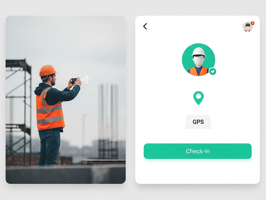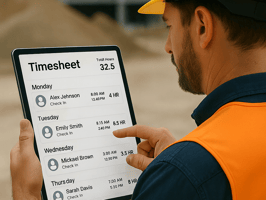
No new apps. No spreadsheets. Just tap, tag, and track it all in one place. The Challenge With...
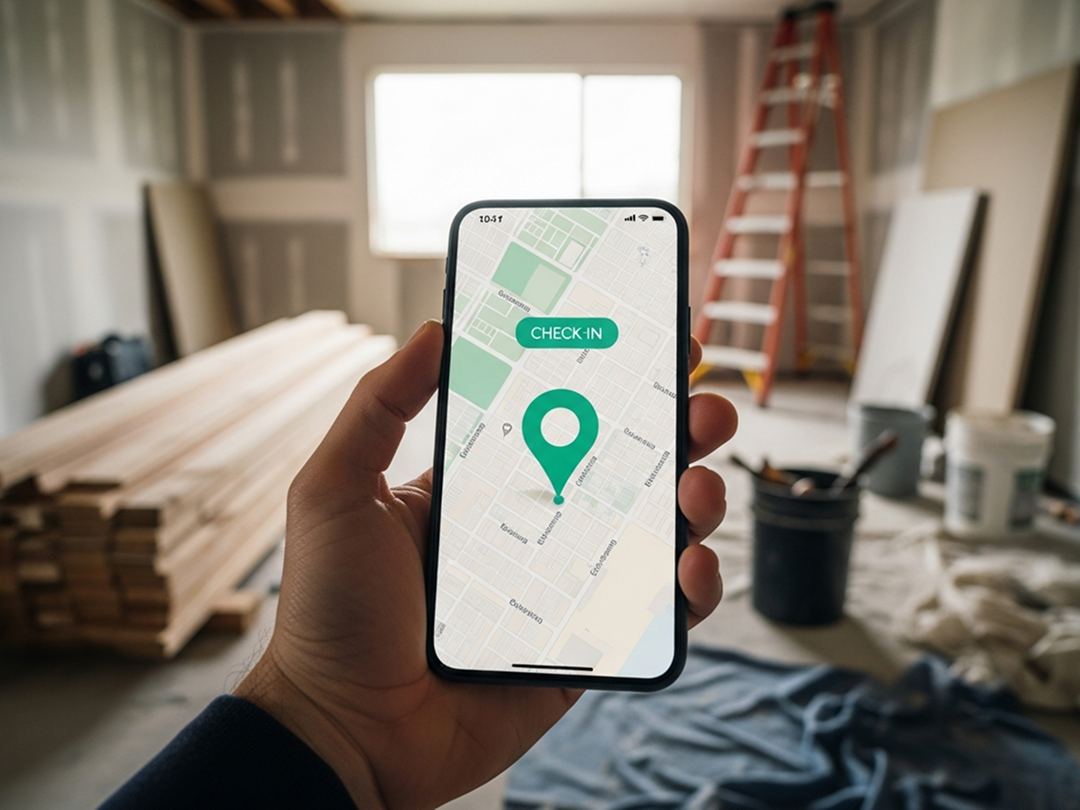
Stay accountable, visible, and connected — wherever your team is.
In the world of project management — whether you're in construction, facilities, real estate, or field services — location matters. Knowing where your team is, when they were there, and why, can make the difference between smooth operations and missed connections.
That’s exactly why TaskTag’s Check-In feature was designed: to bring location visibility into your day-to-day workflow — without needing extra apps or complicated tools.
What Is the Check-In Feature in TaskTag?
The Check-In tool allows your team to log their live location and attach it to a project update or chat message — giving managers real-time visibility and creating a reliable activity trail.
Whether you're tracking site visits, managing multi-location projects, or just want to know who’s near the supply store — TaskTag makes check-ins simple and useful.
Note: Location is only captured when a user chooses to check in. No background tracking. No surprises.
Related: Recurring Delivery Route Workflow: Why Delivery Teams Are Replacing CompanyCam with TaskTag
Where You Can Use Check-In
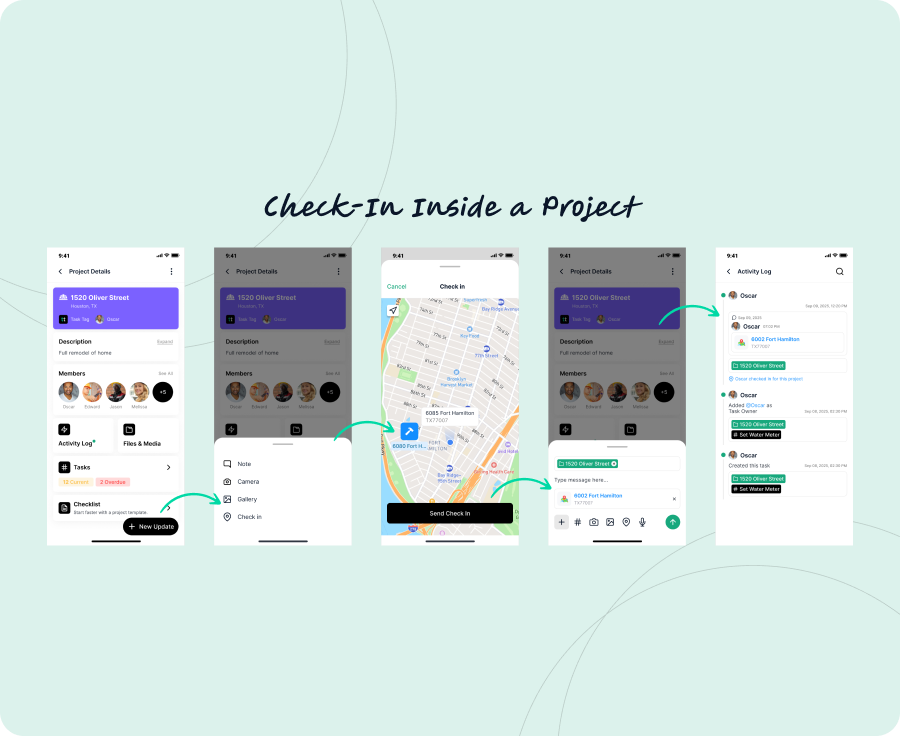
1. Inside a Project
Logging your site visit or progress update?
- Open the relevant TaskTag Project
- Tap + New Update
- Select Check-In
Your current location is logged and linked to that project, along with a timestamp. You can also add a note like:
- “Arrived at site for final inspection”
- “Finishing up drywall install at east wing”
This creates a visible trail of work done — perfect for managers, clients, and compliance.
2. Inside a Chat
Need to confirm where you're working from during a team discussion?
- Open any TaskTag Chat (within a project or team)
- Tap Check-In
- Optionally use #hashtags to tag a related project or task
Your location will appear instantly in the chat thread, giving context to your update — great for real-time field coordination.
Example:
“Checked in at Unit 5 for HVAC repair. #Unit5 #HVAC”
Logged in the Activity Feed
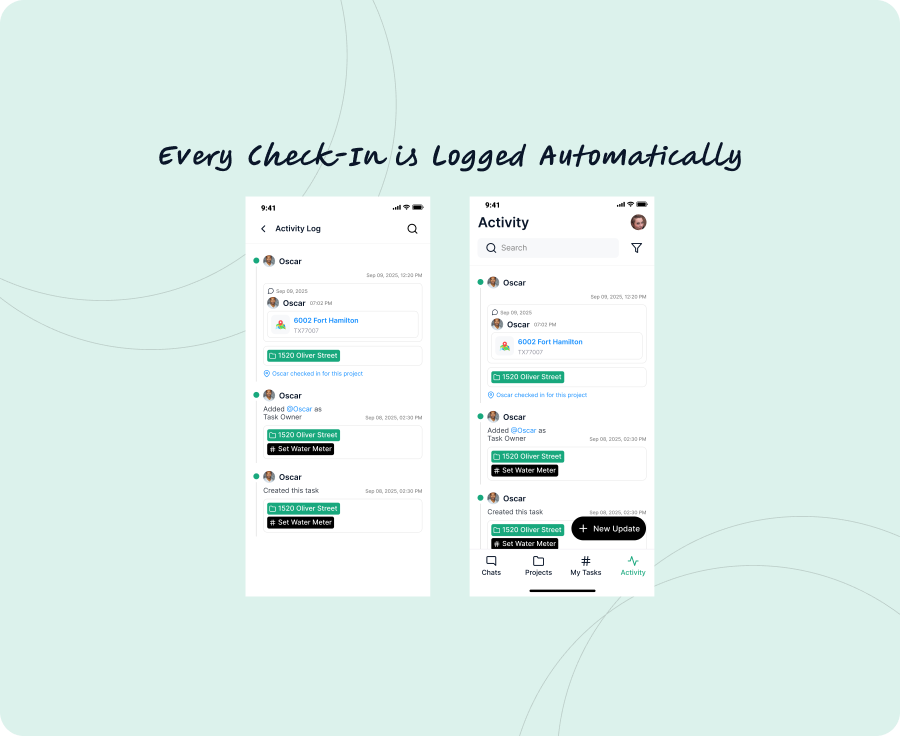
Every check-in — from project or chat — is automatically saved in the Activity Log:
- Time-stamped
- Project-linked
- Viewable by your team
This makes it easy to review past visits, confirm attendance, or build a report trail without asking, “Did someone actually go?”
Bonus: Share Location Context with Photos or Notes
Check-ins aren’t just about being on-site — they’re about communicating context.
For example:
- “At Home Depot picking up insulation”
- “Waiting at supplier” + photo of receipt
- “Near site, traffic delay”
TaskTag lets you add photos or notes to give your team the full picture — literally.
Why Your Team Will Love Location Check-Ins
| Benefit | What It Means |
|---|---|
| Real-time visibility | Know where your crew is — no micromanaging |
| Proof of presence | Great for compliance, clients, or internal reviews |
| Better coordination | Align office and field teams effortlessly |
| Less back-and-forth | No more “Where are you?” texts |
Pro Tips to Maximize Check-In
- Add check-in reminders to recurring inspection templates
- Pair check-ins with photo uploads for visual proof
- Use hashtags to link location updates to specific tasks
- Review the Activity Log weekly for project summaries
Final Take
In fast-moving industries, you don’t have time to guess who’s where. With TaskTag’s Check-In feature, your team can stay transparent, accountable, and aligned — no matter the job site.
Whether you're managing five buildings, ten contractors, or twenty active projects, TaskTag helps you keep it all under control — with location-sharing built for real work.