.png?height=200&name=1%20(27).png)
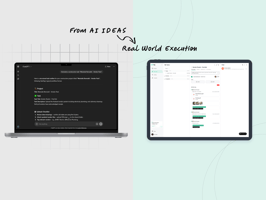
“What happened, when, and who did it?” Ask any project manager this question mid-project, and...
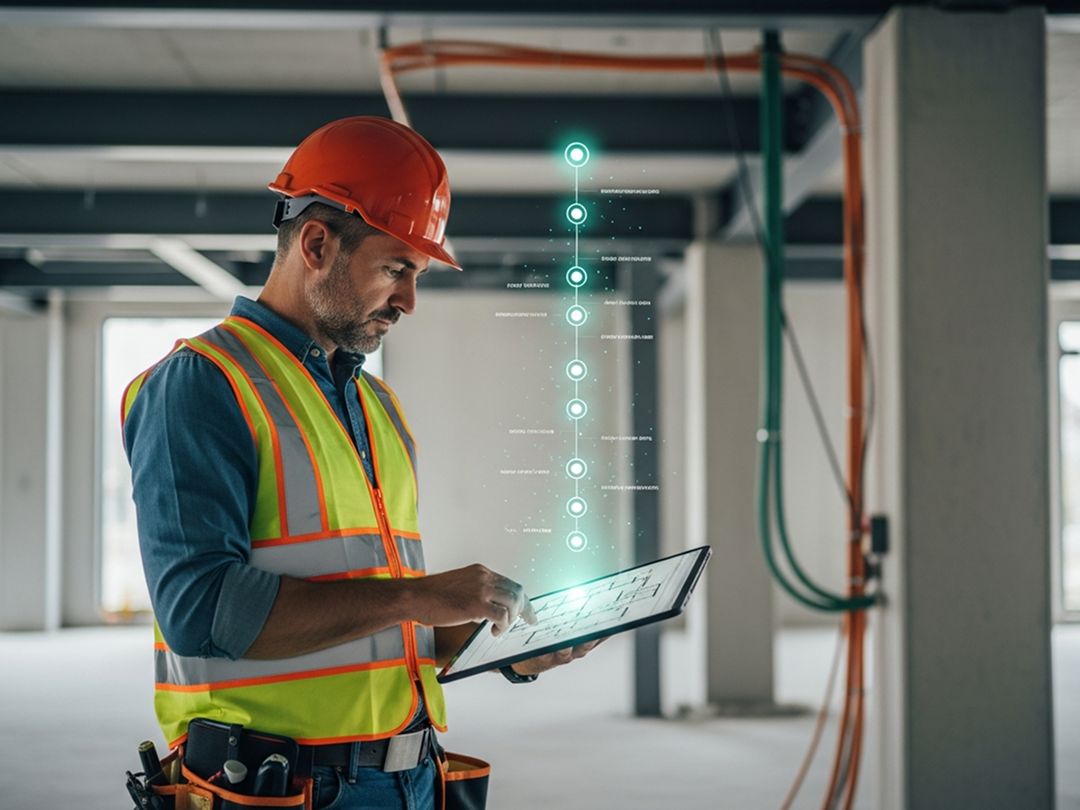
Discover how construction teams use TaskTag’s Activity Log to improve project tracking, accountability, and collaboration — from the office or the job site.
Managing construction projects is complex. Between shifting schedules, subcontractors, change orders, and client updates, it’s easy to lose track of what happened — and when.
That’s where TaskTag’s Activity Log comes in. It’s a real-time project history stream built directly into every TaskTag project. Whether you’re a project manager, site supervisor, or freelancer, the Activity Log helps you track actions, stay aligned, and build accountability across your team.
In this article, we’ll break down where to find the Activity Log, what it tracks, and why it’s essential for modern construction teams.
What Is the Activity Log in TaskTag?
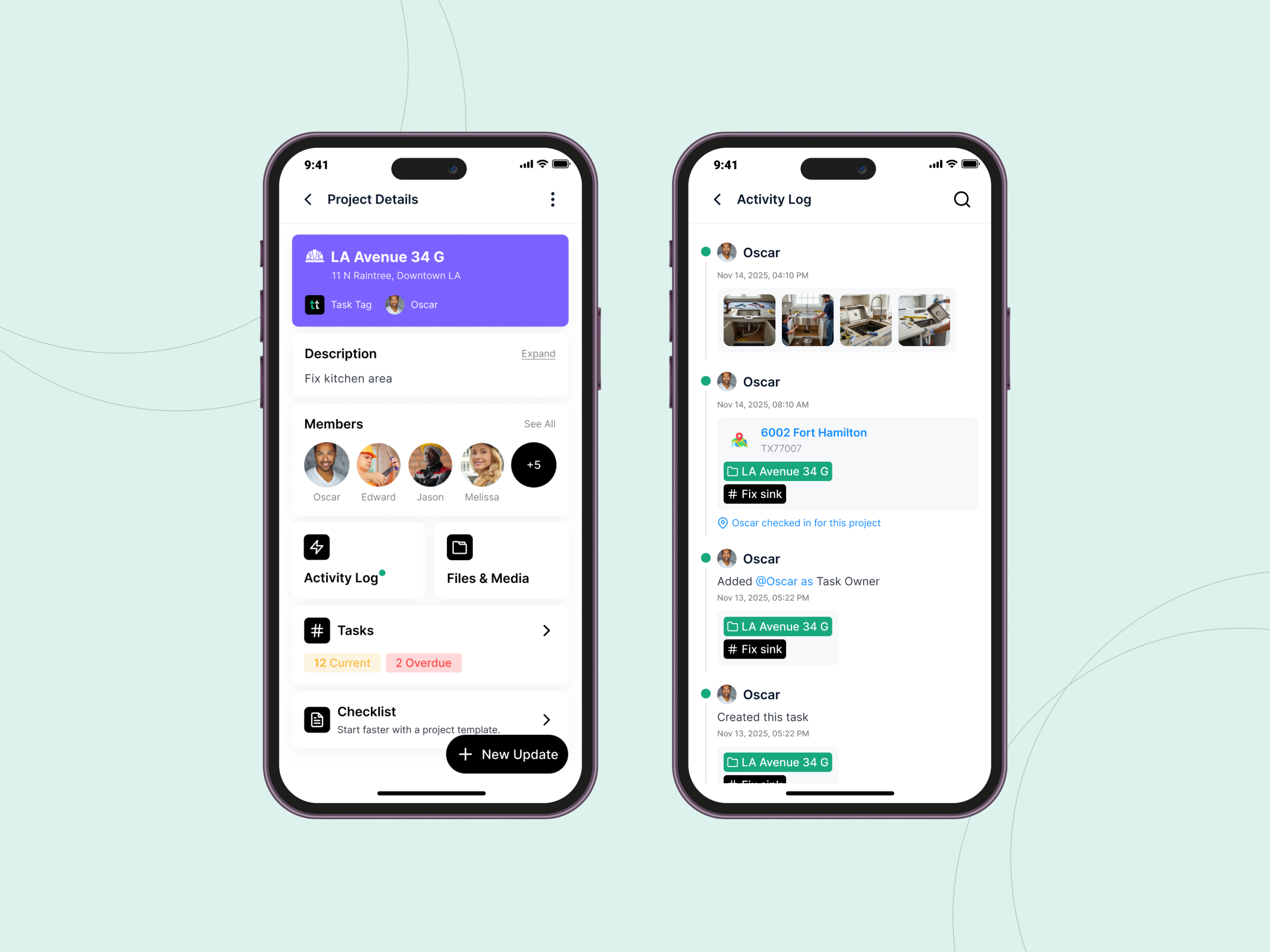
The Activity Log is a built-in timeline that records every major action taken within a project. From task updates to file uploads and role changes, it logs what happened, who did it, and when.
It’s like an automatic paper trail — but smarter, searchable, and accessible anytime.
This feature is especially valuable for construction teams that need to:
- Maintain clear documentation of changes
- Resolve disputes or miscommunication
- Track accountability across multiple collaborators
- Monitor project evolution over time
Where to Find the Activity Log
You can access the Activity Log in every TaskTag project — on both desktop and mobile:
- On Desktop: Open any project and click the Activity tab in the main project view.
- On Mobile: Tap into a project and find the Activity section in the left-hand project menu.
Download the TaskTag mobile app to access the full platform on iOS or Android.
What the Activity Log Tracks
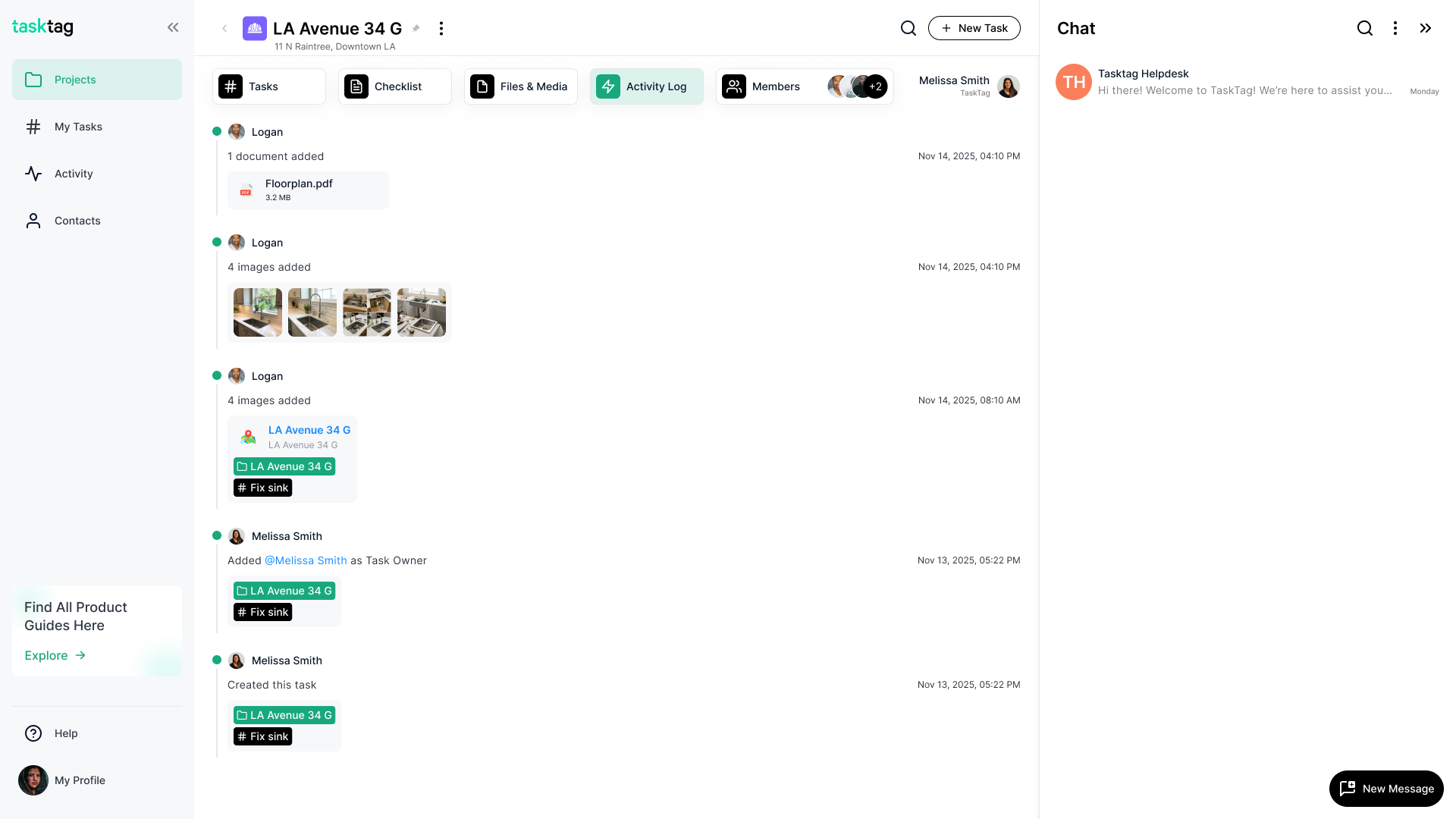
TaskTag automatically logs a wide range of project actions, including:
- Task changes — edits, status updates, deletions
- Team changes — when users are added, removed, or reassigned
- File uploads — who uploaded what and when
- Comments and check-ins — communication history tied to tasks
- Time tracking events — when used with TaskTag Timesheets
Each entry includes:
- Timestamp
- Team member name
- Type of update
- Direct links to tasks or files
Why the Activity Log Matters for Construction Teams
Stay Informed Without Extra Tools
Instead of relying on memory or chasing down updates, the Activity Log gives everyone a shared source of truth. It helps avoid misunderstandings and improves team alignment.
Boost Accountability Without Micromanagement
You don’t have to hover over your team to know what’s going on. The log shows exactly who made changes and when, offering transparency without pressure.
Resolve Issues Faster
Whether it’s a missing file, an unexpected task update, or a scheduling conflict, the Activity Log helps you backtrack and find the root cause. It’s your built-in audit trail.
Stay Organized Across Multiple Projects
If you’re managing 5 or 50 projects, the Activity Log helps you track progress and changes across them all. It’s especially useful when working with external contractors or rotating teams.
Real-World Use Cases
| Role | How the Activity Log Helps |
|---|---|
| Project Managers | Monitor progress without chasing down updates |
| Site Supervisors | Track who’s working on what and when |
| Freelancers/Subs | Maintain a personal audit trail of work |
| Office Teams | Export logs for reporting or documentation |
| Clients | Gain visibility into project progress |
Pro tip: Use the Activity Log as a daily recap during stand-ups or toolbox talks.
Explore more examples on the TaskTag Blog.
How It Works with Other TaskTag Features
TaskTag Timesheets
Use TaskTag’s chat-based timesheets to clock in/out by sending location and tagging a project. Each check-in action gets logged in the Activity tab, making payroll and reporting easy.
Project Activity Reports
Need to export a time or activity log?
- Navigate to a project
- Click Activity
- Select Export Activity
- Choose the time range
- Download a clean Excel or CSV report
Photo Logs and File Management
Combine the Activity Log with photo documentation, file uploads, and daily reporting workflows for a complete view of your project history.
Tips for Using the Activity Log Effectively
- Check it first thing every day to stay on top of team activity
- Use it during team meetings to recap changes
- Export logs weekly for documentation or client reporting
- Train your team to tag and comment consistently for visibility
Why Construction Teams Rely on TaskTag
Unlike traditional project management tools built for office teams, TaskTag is designed for the field. It combines chat, task tracking, file management, and timesheets in one mobile-friendly platform.
The Activity Log is just one of many features that make TaskTag a smarter choice for:
- Builders
- General contractors
- Remodelers
- Field crews
- Project managers
Learn more in Mastering Construction Project Management.
Final Thoughts
The Activity Log in TaskTag is more than just a project feed — it’s your project’s memory. It captures the full story of who did what and when, so you can focus on leading your team and delivering results.
Whether you’re tracking updates in the office or in the field, the Activity Log helps you:
- Improve visibility
- Build accountability
- Fix problems faster
- Stay organized