

If your team is juggling job walks, procurement, inspections, and subs — you know the smallest...
.png?width=1080&height=810&name=1%20(34).png)
Not every task or project management tool is built to scale with how teams actually work.
If your current system feels more like a bottleneck than a productivity boost, you’re not alone. Many teams outgrow their tools long before they realize it.
Below are 5 clear signs it might be time to switch — and how TaskTag solves each one 👇
1. You’re Rebuilding the Same Setup Over and Over
Do you find yourself recreating the same projects from scratch every time?
No templates. No duplication. Just hours of repetitive admin work.
Why this is a problem
-
Wasted setup time
-
Inconsistent workflows
-
Higher chance of missed steps
How TaskTag helps
With TaskTag, you can:
-
✅ Create reusable project templates
-
✅ Duplicate full task lists in one click
-
✅ Standardize workflows without extra effort
Result: Less setup, more execution.
2. Your Work Is Scattered Across Apps and Emails
If you’re juggling spreadsheets, Slack threads, emails, and sticky notes — and still missing deadlines — your tool isn’t doing its job.
Common symptoms
-
Files buried in email threads
-
Tasks living in multiple tools
-
Constant tab switching
How TaskTag helps
TaskTag keeps everything in one place:
-
✅ Tasks, files, checklists, and conversations together
-
✅ Upload contracts, menus, photos, or docs directly into tasks
-
✅ One source of truth — no more hunting for info
Result: Fewer tools, fewer mistakes.
3. You Have No Visibility Into Who’s Doing What
If you’re constantly asking:
-
“Who’s on this?”
-
“Is this done yet?”
That’s a visibility problem — not a people problem.
Why this hurts teams
-
Confusion around ownership
-
Duplicate work
-
Endless follow-ups
How TaskTag helps
TaskTag brings instant clarity:
-
✅ Clear task ownership
-
✅ @mentions to nudge teammates
-
✅ Progress visible at a glance (no micromanaging)
Result: Accountability without friction.
4. Deadlines Keep Slipping Through the Cracks
A task tool that doesn’t help you manage deadlines isn’t really managing anything.
Red flags
-
Overdue tasks go unnoticed
-
No clear priority view
-
Manual deadline tracking
How TaskTag helps
With TaskTag, you can:
-
✅ Automatically group tasks by Overdue, Current, and Completed
-
✅ See what needs attention instantly
-
✅ Get reminders before things fall behind
Result: Deadlines stay visible — and achievable.
5. You Can’t Learn From Past Projects
If your tool can’t tell you what worked (or didn’t), you’re stuck repeating the same mistakes.
Why this matters
-
No audit trail
-
No performance insights
-
No way to improve processes
How TaskTag helps
TaskTag turns past work into insight:
-
✅ Export full project reports (PDF)
-
✅ Track who did what — and when
-
✅ Build repeatable systems that improve over time
Result: Smarter projects, every cycle.
TaskTag Is Built for How Real Teams Work
Whether you’re:
-
Managing operations
-
Planning events
-
Onboarding or offboarding employees
TaskTag gives you just enough structure to stay on track — without slowing you down.
TL;DR — Is It Time to Switch?
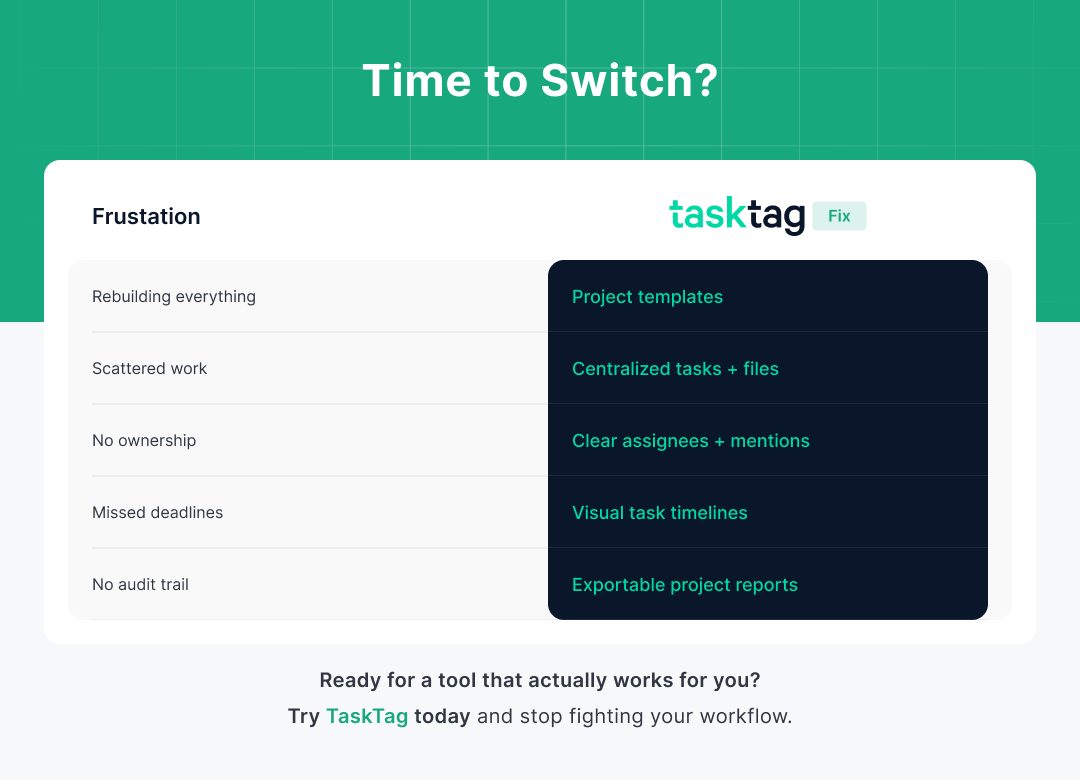
| Frustration | TaskTag Fix |
|---|---|
| Rebuilding projects | Reusable templates |
| Scattered work | Centralized tasks + files |
| No ownership | Clear assignees + @mentions |
| Missed deadlines | Visual task timelines |
| No audit trail | Exportable project reports |
Ready for a Tool That Actually Works?
Stop fighting your workflow.
Try TaskTag today and move from chaos to clarity — without the bloat of traditional project management tools.
.png?height=200&name=1%20(26).png)
.png?height=200&name=1%20(27).png)